Segmentation works, but no pick point is generated
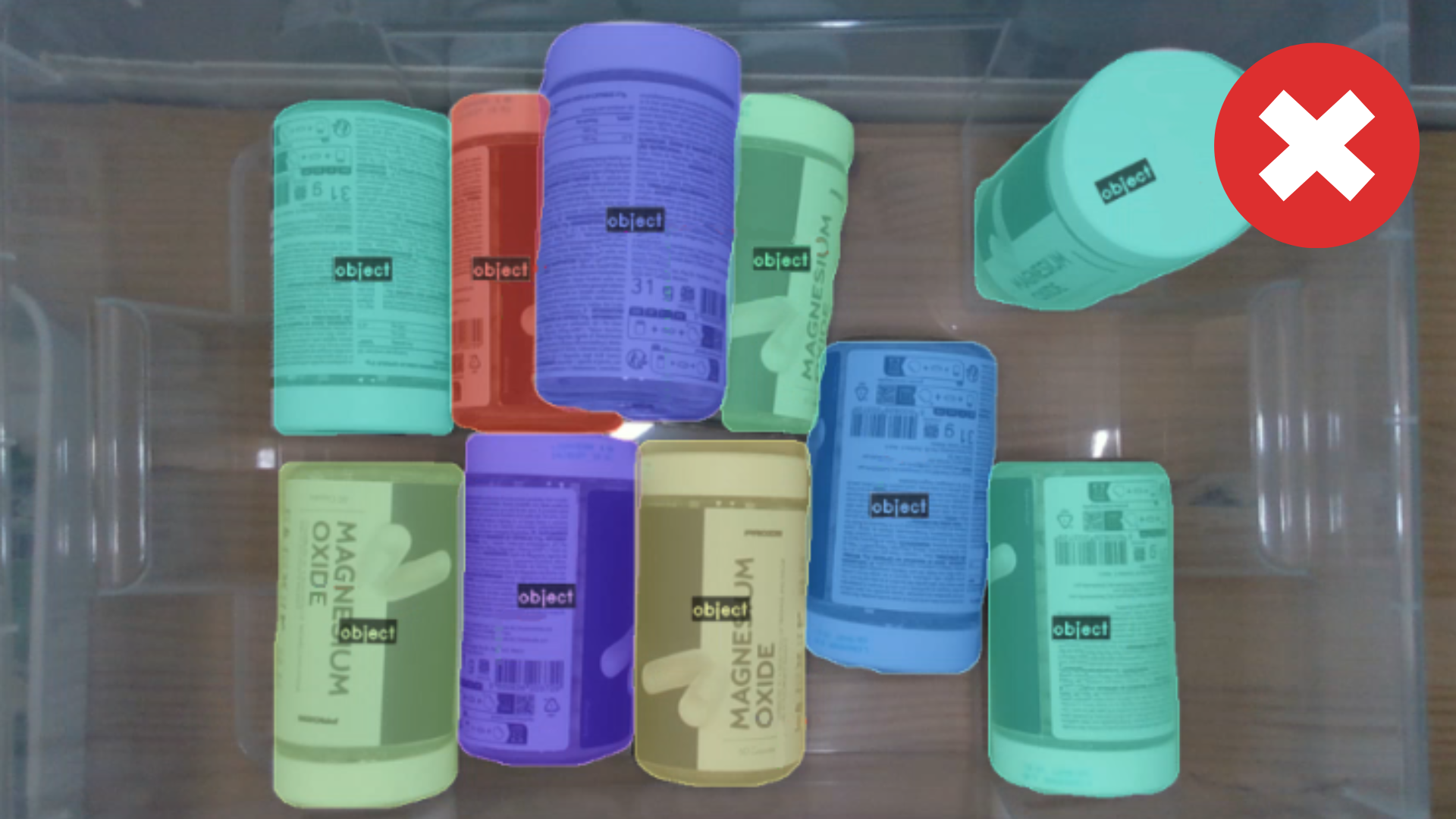
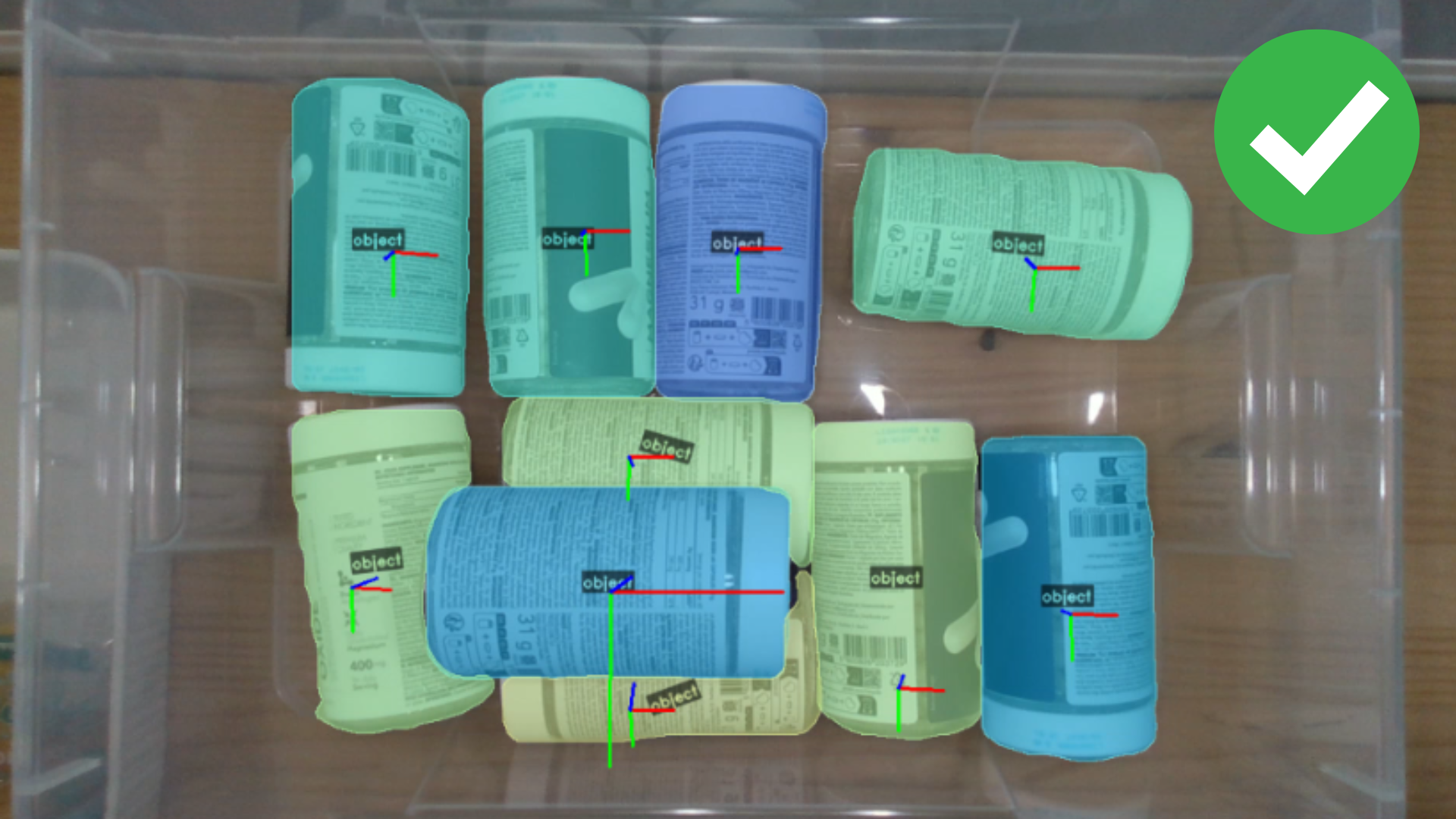
If objects are correctly segmented but no pick point is selected, check the following:
Robot Constraints
- Pick point out of robot reach: The calculated pick point may be outside the robot's workspace.
- Pick angle threshold is too strict: Increase the angle threshold parameter (
MAX_PICK_ANGLE) to permit steeper approaches.
Hardware Configuration
- Vacuum cup is too large: Consider reducing suction cup size if it's not fitting within detected object areas in System Settings.
- Configure exposure: Adjust the camera exposure settings to obtain a stable depth image. See Camera Profiles for detailed guidance on optimizing exposure and troubleshooting common depth image issues.
Camera Position
- Camera distance too short: Increase the distance between the camera and the scene to at least 30 cm.
Environment Setup
- Pick box definition is too tight or inaccurate: Make sure the Pick Box of the Environment fully contains the object and leaves margin for placement error. And check that the correct
TRIGGER_BOX_IDandOUTPUT_BOX_IDare used in the PLC program.
- Direct sunlight: Avoid direct sunlight or bright reflections onto the work area. Sunlight floods depth sensors and creates glare, which degrades depth/point-cloud quality.