Mode
Multiple applications can be configured in Pick[+] with just one license. The software operates in two distinct working modes that serve different purposes during the application lifecycle.
Configuration Mode
It allows you to define and modify all the parameters necessary for an application. In this mode, all settings options are available for configuration, including hardware setup, calibration, environment settings and application-specific parameters.
In this mode, all settings buttons on the Home Screen are accessible.
Execution Mode
It is used to run the application and its active processes. In this mode, all settings options are locked and cannot be changed, and the Execution Screen is available.
Important
When Execution Mode is activated, the application will automatically start as soon as the PC is turned on.
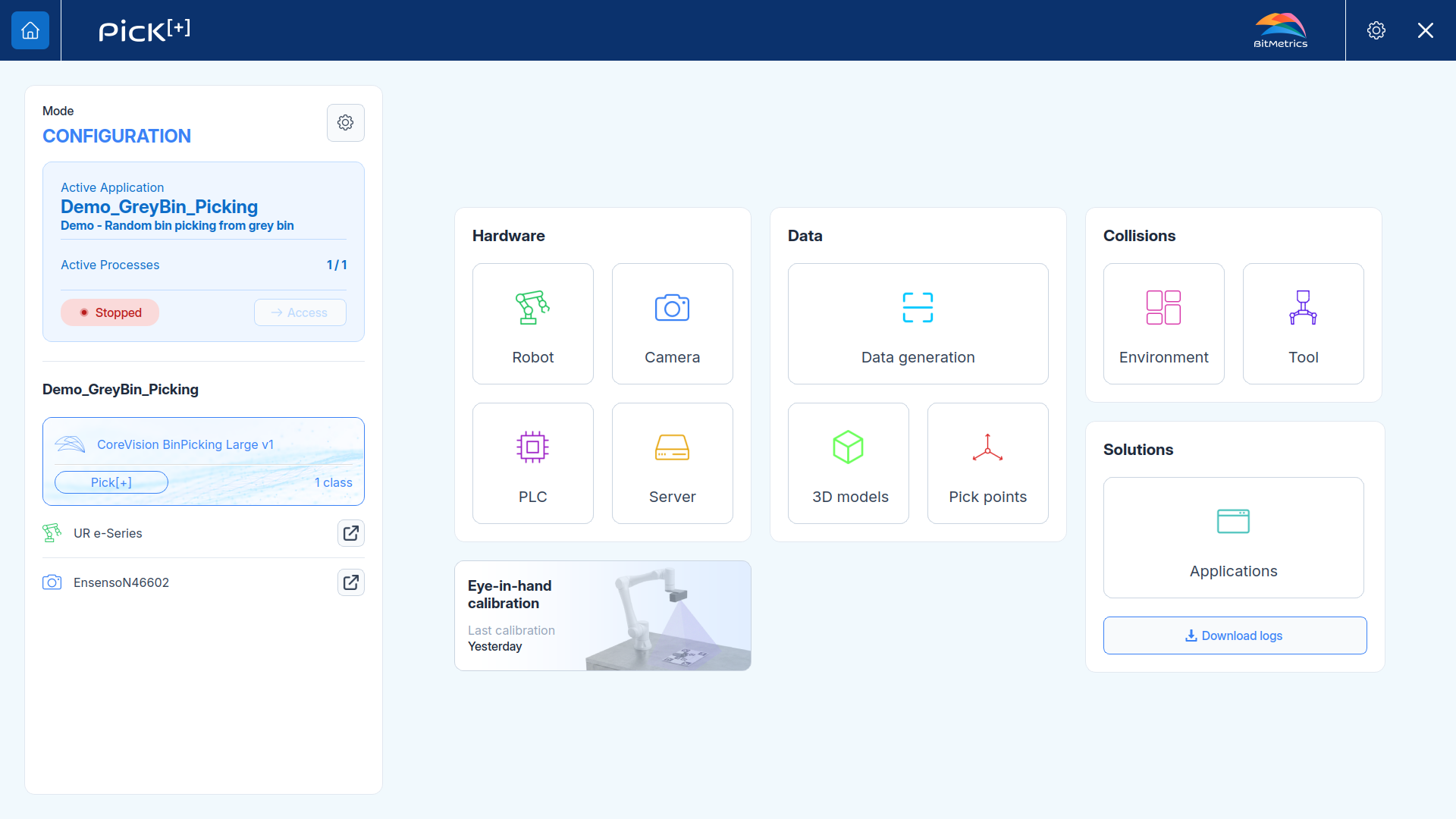
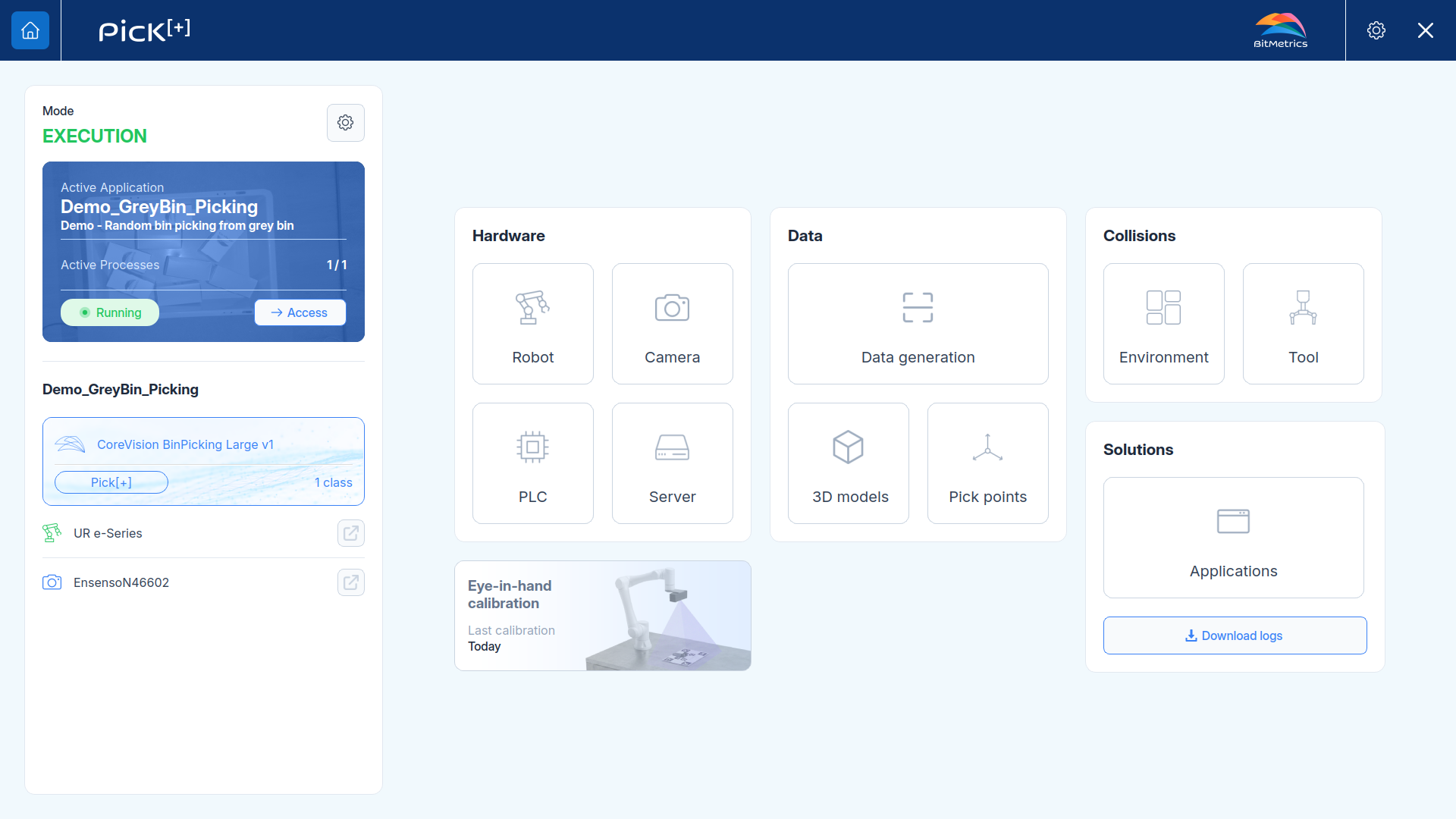
Home Screen: Configuration Mode vs. Execution Mode
Changing Application Mode
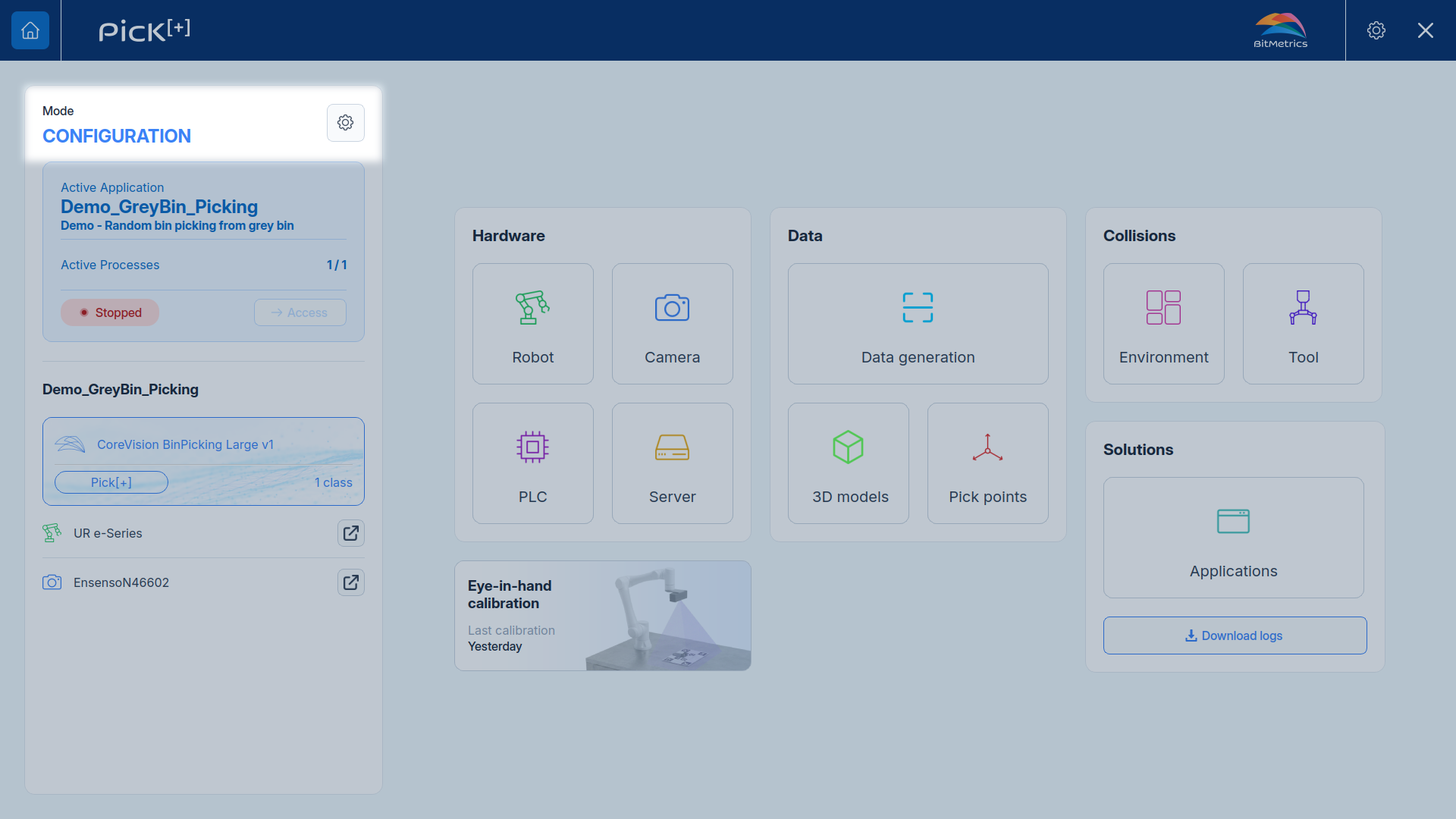
To change the application mode, navigate to the top left corner of the Home Screen and click the gear icon .
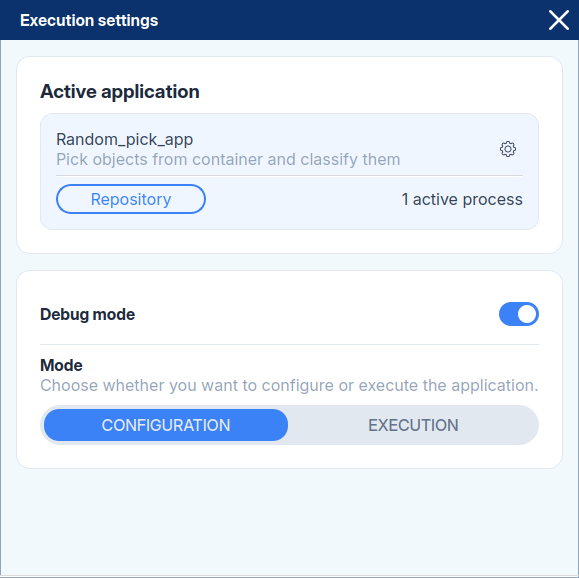
In the pop-up menu, you can configure three options:
- Active Application: The application that will run when in Execution Mode
- Debug mode: Turn ON or OFF debug mode to get more detailed logs
- Mode: Switch between Configuration and Execution mode
Managing Applications
All applications are created and stored inside Pick[+]. The Application Source setting defines who decides which application runs while in Execution Mode.
To change it, click the gear icon next to the selected application dropdown. Two options are available:
-
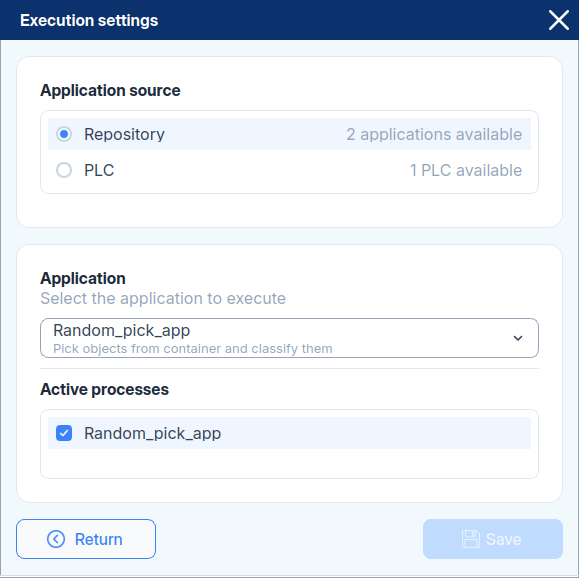
Repository
You select a single Pick[+] application from the repository and that application runs until you change it manually. A PLC can still be connected to the running application, it just does not choose which application runs.
-
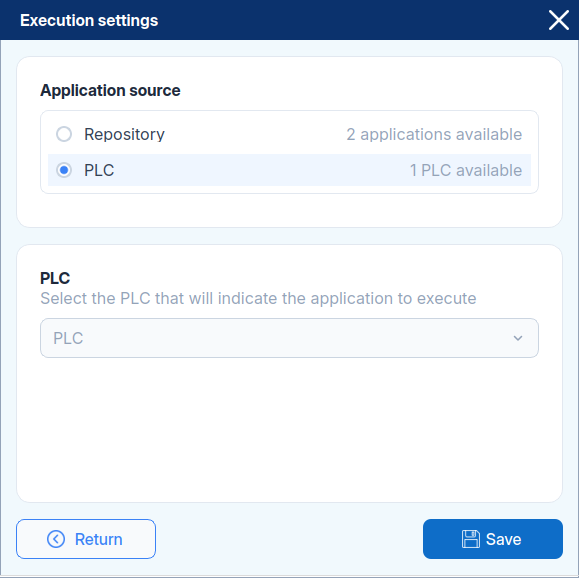
PLC
The PLC decides which Pick[+] application runs and can switch between them independently, without stopping the software. Use this when an external control system orchestrates the picking workflow.
Each application can be composed of multiple processes that can be individually enabled or disabled in Execution Mode.