Environments
The Environments section is where you describe the physical workspace of the robotic cell to Pick[+]. This description drives two core behaviors:
- Collision handling: knowing where the tables, structures, pallets and boxes are lets Pick[+] plan pick trajectories that never intersect the surrounding components.
- Pick area restriction: delimiting the volumes that contain the objects lets Pick[+] filter detections and pick points to the region that matters on each camera trigger.
To open this screen, click Environments in the Collision group of the Home Screen.
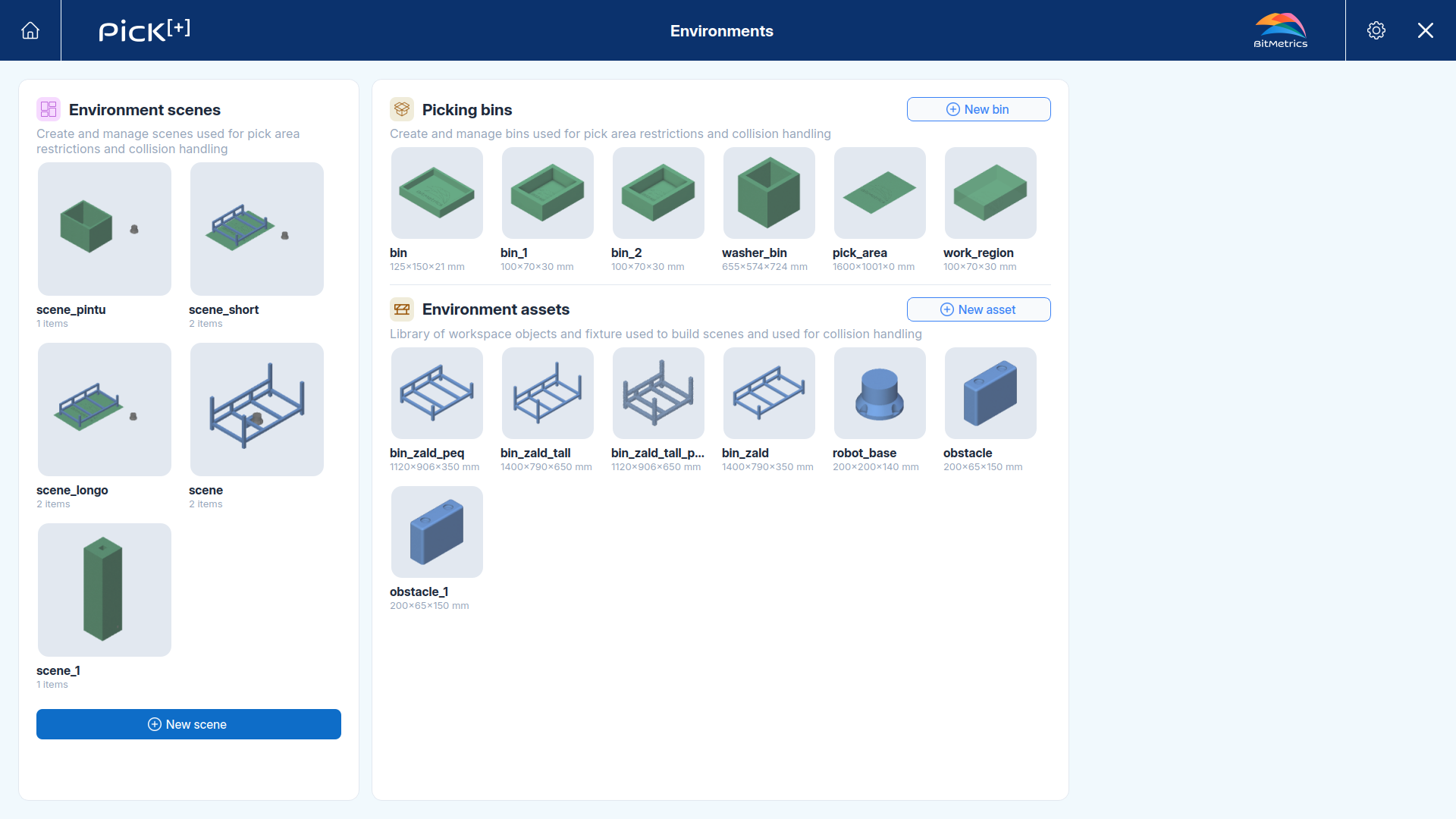
The screen is organized around a library and the scenes built from it:
- The left panel lists the scenes you have created.
- The center panel holds the reusable library: the picking bins and environment assets available to build those scenes.
Core concepts
Everything in this section is built from three concepts. Understanding how they relate makes the rest of the workflow straightforward.
Scene
A scene is the representation of the complete set of objects, structures and physical components present in the robotic cell's work area. Pick[+] uses the active scene both to compute collisions and to filter the objects and pick points to the delimited regions.
A scene is composed of assets and bins, each placed at its real position relative to the robot.
Bin
A bin is the container that holds the objects you want to pick. On every camera trigger, the bin delimits and filters the pick region, so Pick[+] only searches and plans picks inside it. The robot program or the PLC can select which bin to use on each cycle (see Selecting a bin in execution).
A bin can aditionally be treated as a physical box, so its walls are taken into account by the collision handling system.
Asset
An asset is any physical object that must be considered during collision computation but is not a pick region, such as a table, a structure or a pallet. Assets are imported from CAD and used purely as obstacles.
Building a workspace
The three concepts are configured in the order a workspace is naturally built: define the reusable pieces, then assemble them into a scene.
-
Picking Bins
Create the containers that delimit the pick regions and, optionally, act as physical boxes.
-
Environment Assets
Import the workspace obstacles from CAD for collision handling.
-
Environment Scenes
Assemble bins and assets into a scene and place each at its real position.