General
The first step of the application wizard identifies the application. The Name and ID you enter here are the two values every other part of the system uses to refer to it, from the robot program to the PLC and the Pick[+] interface itself.
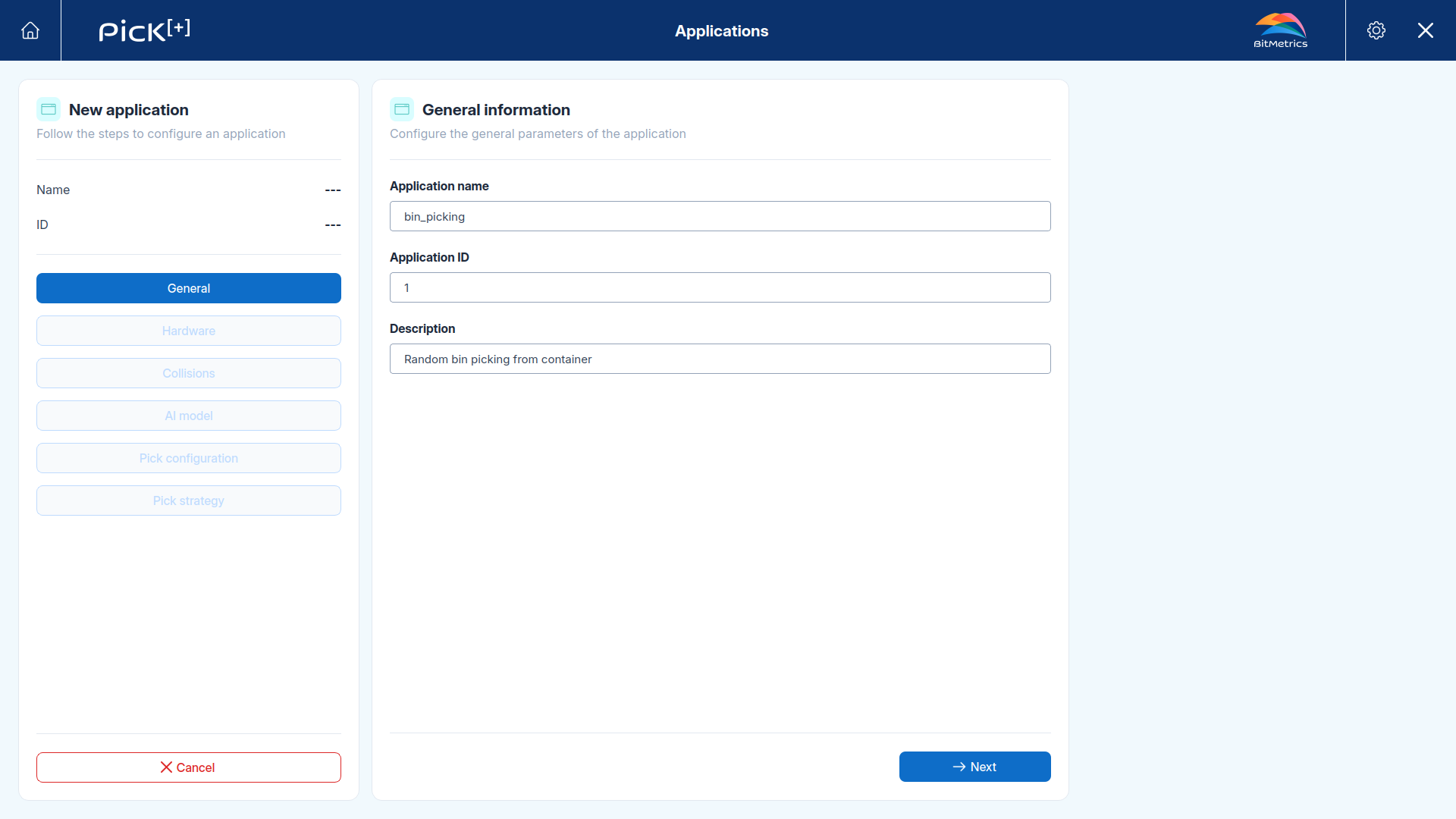
| Field | Description |
|---|---|
| Application name | The name shown in the applications list and in the Execution Panel of the Home Screen. It is also the name the robot program uses to address the application. |
| Application ID | The numeric identifier of the application. This is the value an external system uses to select it, when the Application Source is set to PLC, the PLC writes this ID to the APP_ID register to choose which application runs. Each application must have a unique ID |
| Description | A free-text note describing what the application does. It appears under the application name in the summary panel |
The application name identifies the application to the robot
The robot program addresses the application by its name, prefixed with b0_, as the proc_id of the Pick[+] functions. Renaming an application means updating that value in every robot program that calls it. See Robot Application - UR and Robot Application - ABB.
Click Next to continue to the hardware configuration.
What's Next?
-
Hardware
Choose the camera, the device that triggers it and the devices that receive the results.