Data Generation
Data Generation is where you provide the data needed for the AI models to identify objects. Similarity-based applications needs visual and geometric examples of the objects it has to recognize and pick, and this is where you capture or upload them.
To open this screen, click Data Generation in the Home Screen.
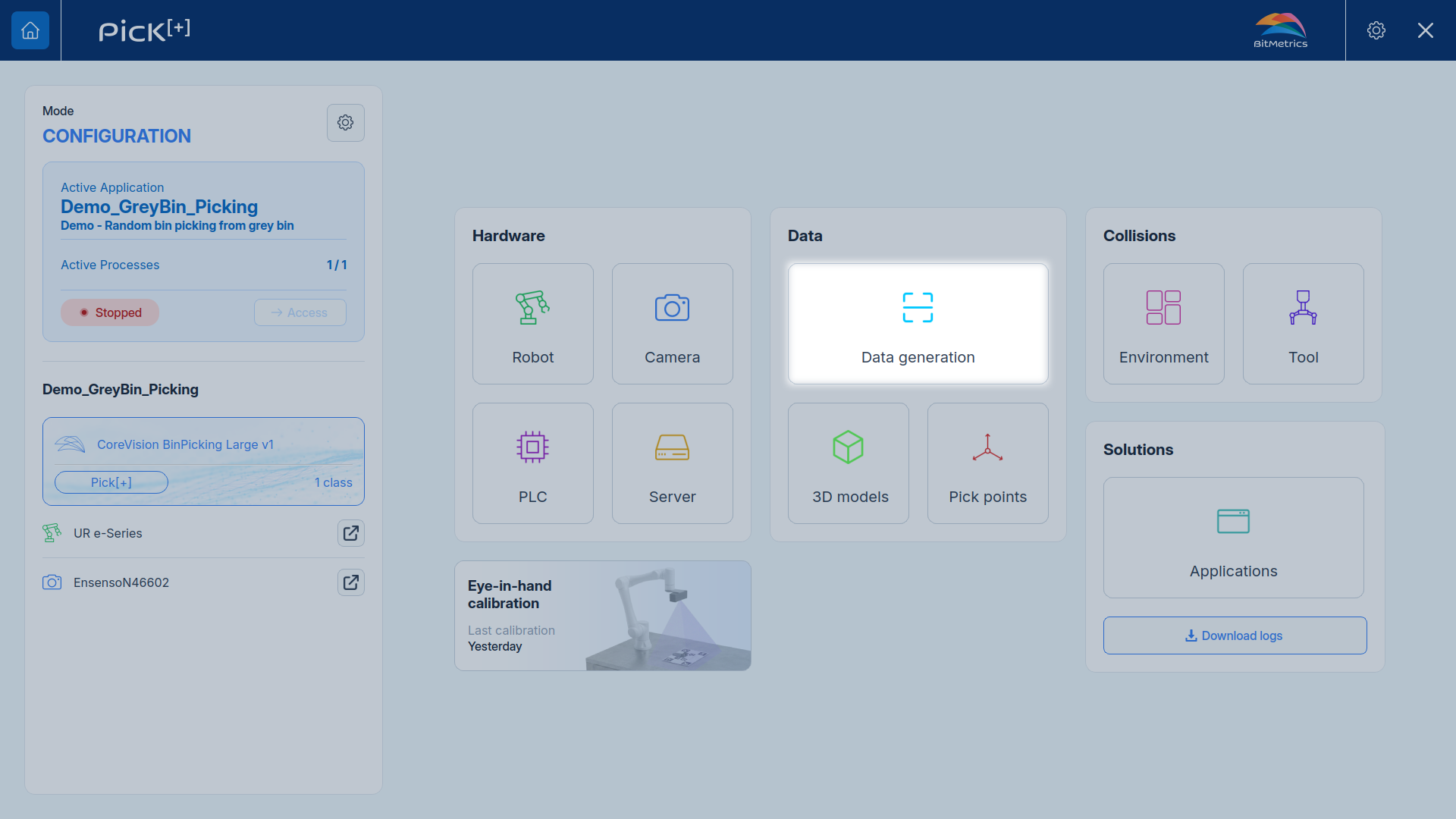
The screen is organized into two tabs:
- References: the distinct objects and part variants registered for use in your applications
- Scans: every individual camera capture, whether it's linked to a reference or still standalone
Core Concepts
Everything in this section is built from three concepts. Understanding how they relate makes the rest of the workflow straightforward.
Reference
A Reference represents one object or part variant that Pick[+] can recognize and pick. Register every distinct part, and every variant of a part, as its own reference so the system can tell them apart. Or you can add all the variants of an object to the same reference to treat them as a single type of object.
Scan
A Scan is the data captured by scanning the physical object with the Pick[+] camera. Depending on the camera and the trigger type used, a scan can hold 2D data, 3D data or both.
3D Model
A 3D Model is the object's 3D geometry, either generated from one of its scans or imported directly as a CAD file. Pick[+] needs this geometry to place and validate pick points on the object in 3D space.
A reference is built from one or more scans and/or one or more 3D models:
Reference
One part or variant
Scans
Camera capture, 2D and/or 3D data
3D Models
Generated or imported, 3D only
Info
A Reference is the equivalent of a class the AI model learns to recognize, and a Scan is the equivalent of a dataset used to train or match against it.
What's Next?
-
References
Register the objects and part variants your applications will pick.
-
Scans
Browse every captured scan and generate its annotations.