Home Screen
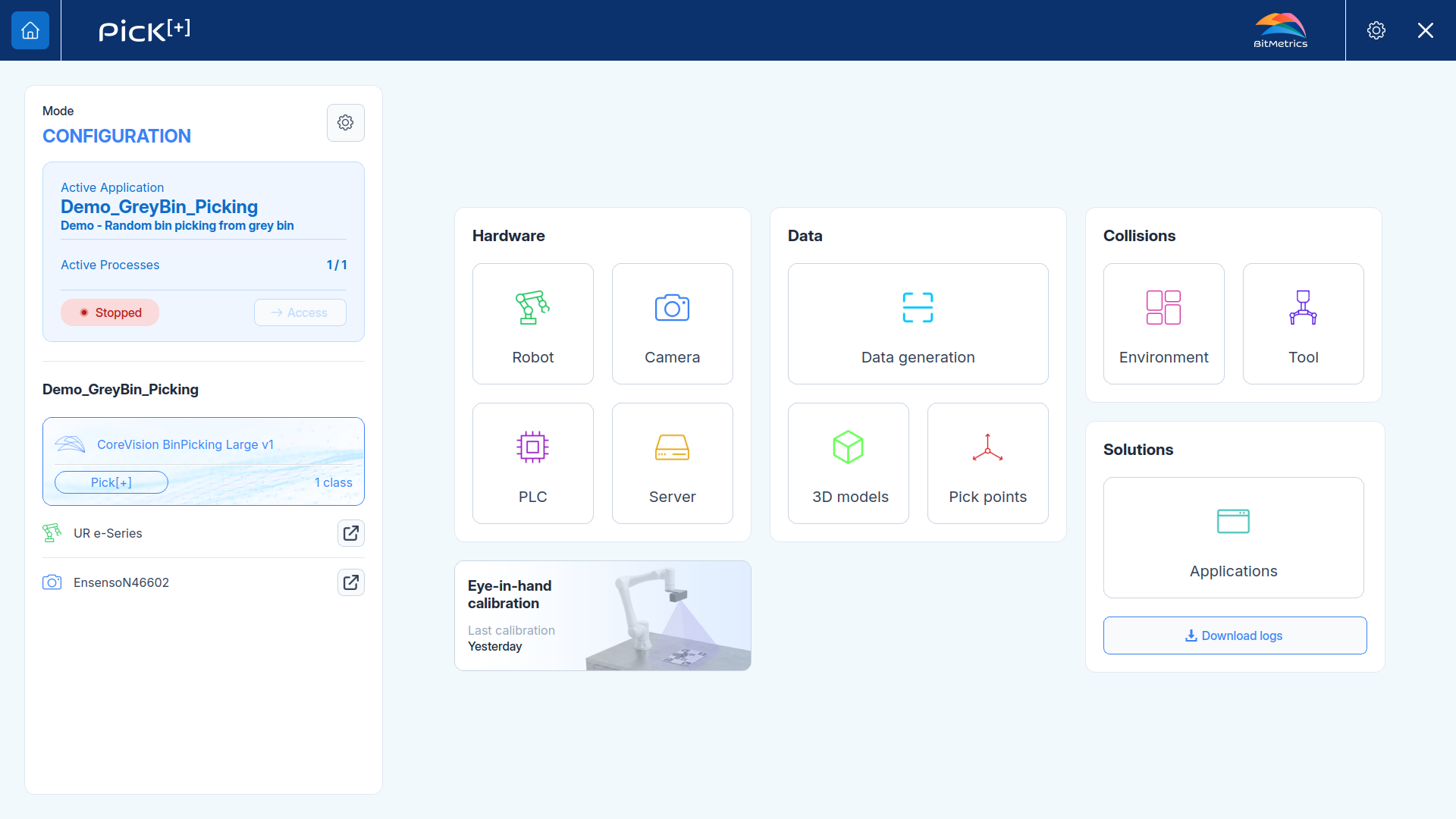
The Home Screen is the main interface of Pick[+] and is divided into two primary sections:
- Execution Panel: Run and monitor your active picking application
- Solutions configuration: Configure hardware, data, environment and solutions for your applications
The available buttons or options of the Home Screen depends on several factors:
- License: Some features may be unavailable based on your active license
- Application Mode: When in Execution mode, all settings buttons are locked to prevent configuration changes during operation
Execution Panel
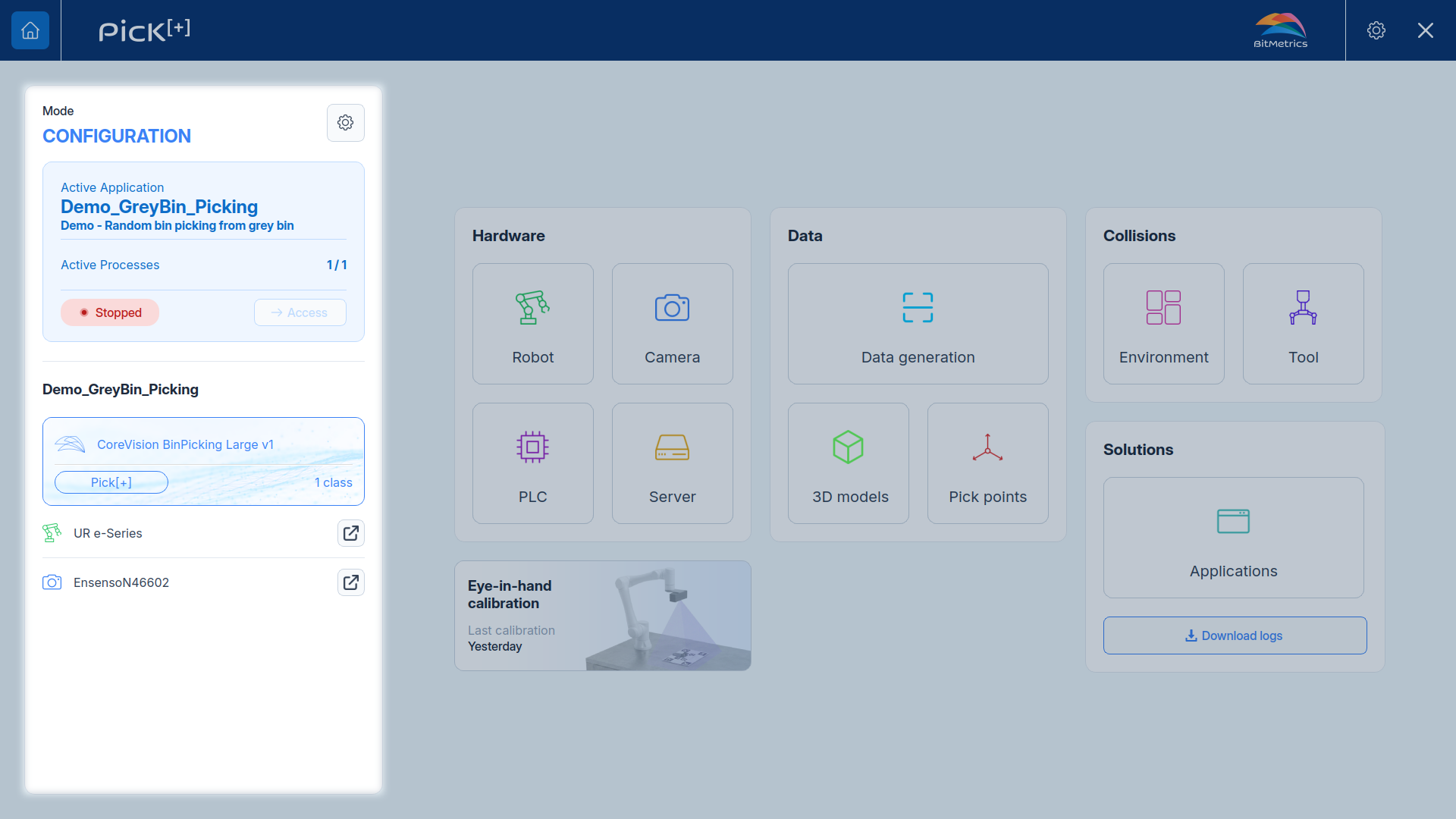
The Execution Panel, on the left side of the Home Screen, gives a view of the active application:
- Mode: Select the active application and change between Configuration and Execution (See Application Mode)
- Active application: The active application's status. While in Execution Mode, click Access on it to open the Execution Screen, where picks and results can be followed in real time.
- Process summary: Shows the AI model and strategy used for vision, along with the hardware assigned to the application.
Solutions Configuration
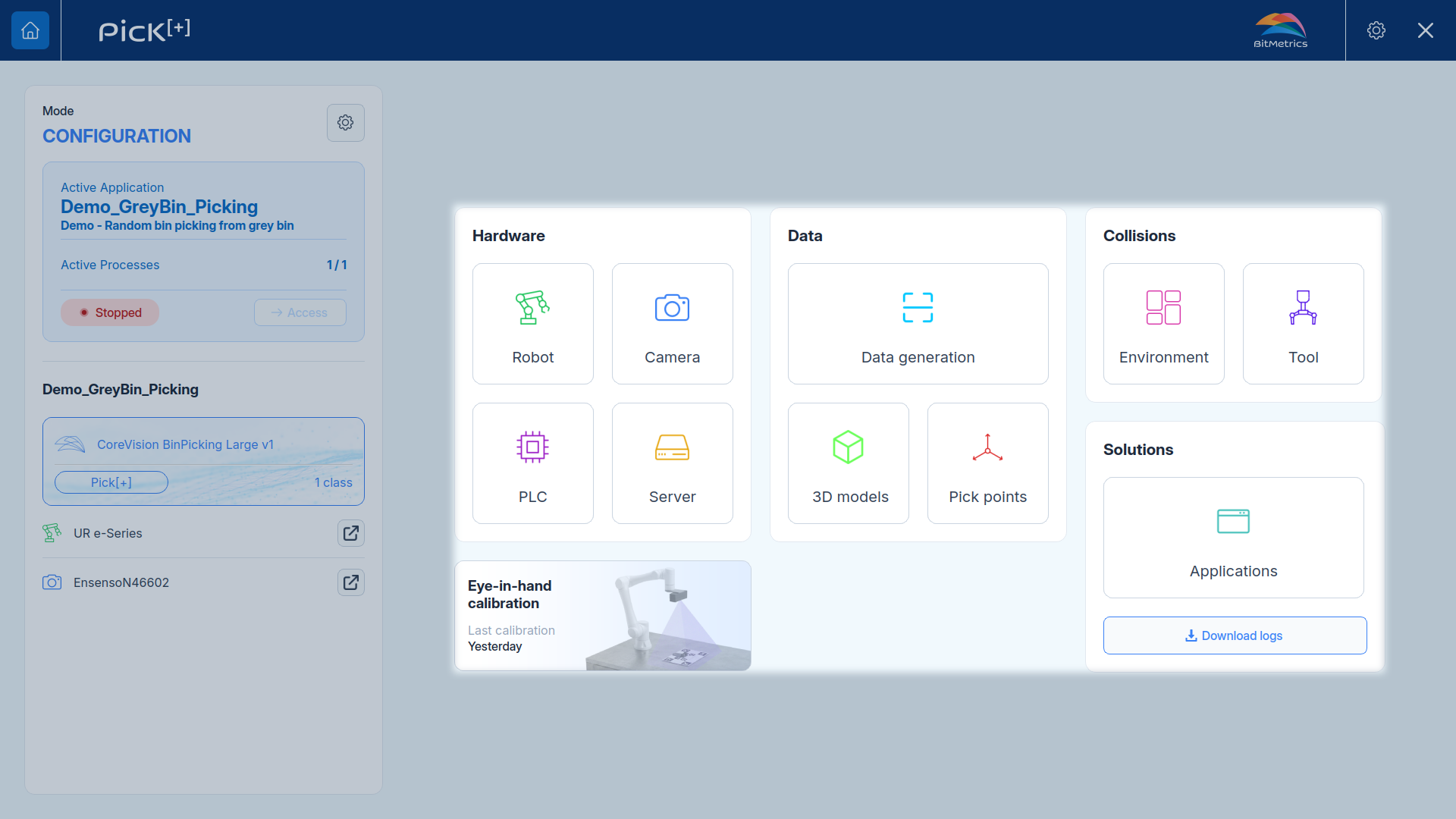
Below the Execution Panel, the Solutions Configuration area groups everything needed to build and run a picking application:
- Hardware Settings: Select the robot, camera, PLC and server, and configure their IP addresses or other parameters
- Calibration: Calibrate the camera position against the robot
- Data: Add the data your application needs to pick an object:
- Data Generation: Capture and scan the objects
- 3D Models: Generate the object's 3D model or upload its CAD
- Pick Points: Define where the robot should pick the object
- AI Model: Select and manage the AI vision models the application uses to detect objects and classify them.
- Environment:
- Environments: Define the 3D containers that describe the robot's pick and safety zones and the elements in the workspace to use for the collision handling system.
- Tool: Define the gripper type and its parameters
- Application: Create and manage the individual pick applications that run on this solution.