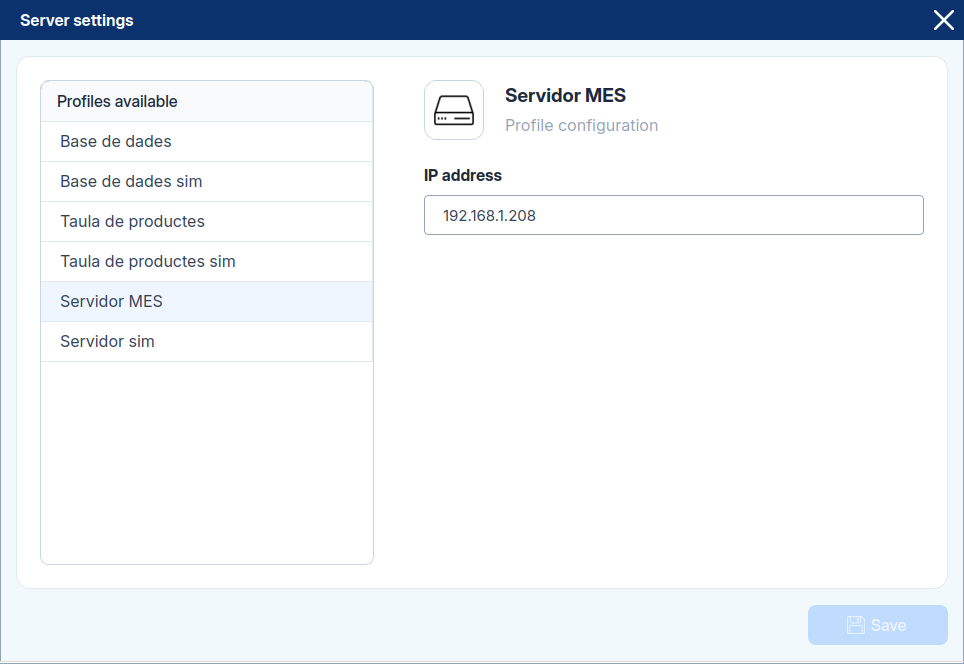
Hardware Settings
The Hardware panel includes all system-wide settings needed to connect and prepare your hardware. It's organized into different sections:
- Robot
- Camera
- PLC
- Server
These options are only available while in Configuration Mode (top left corner on the Home Screen).
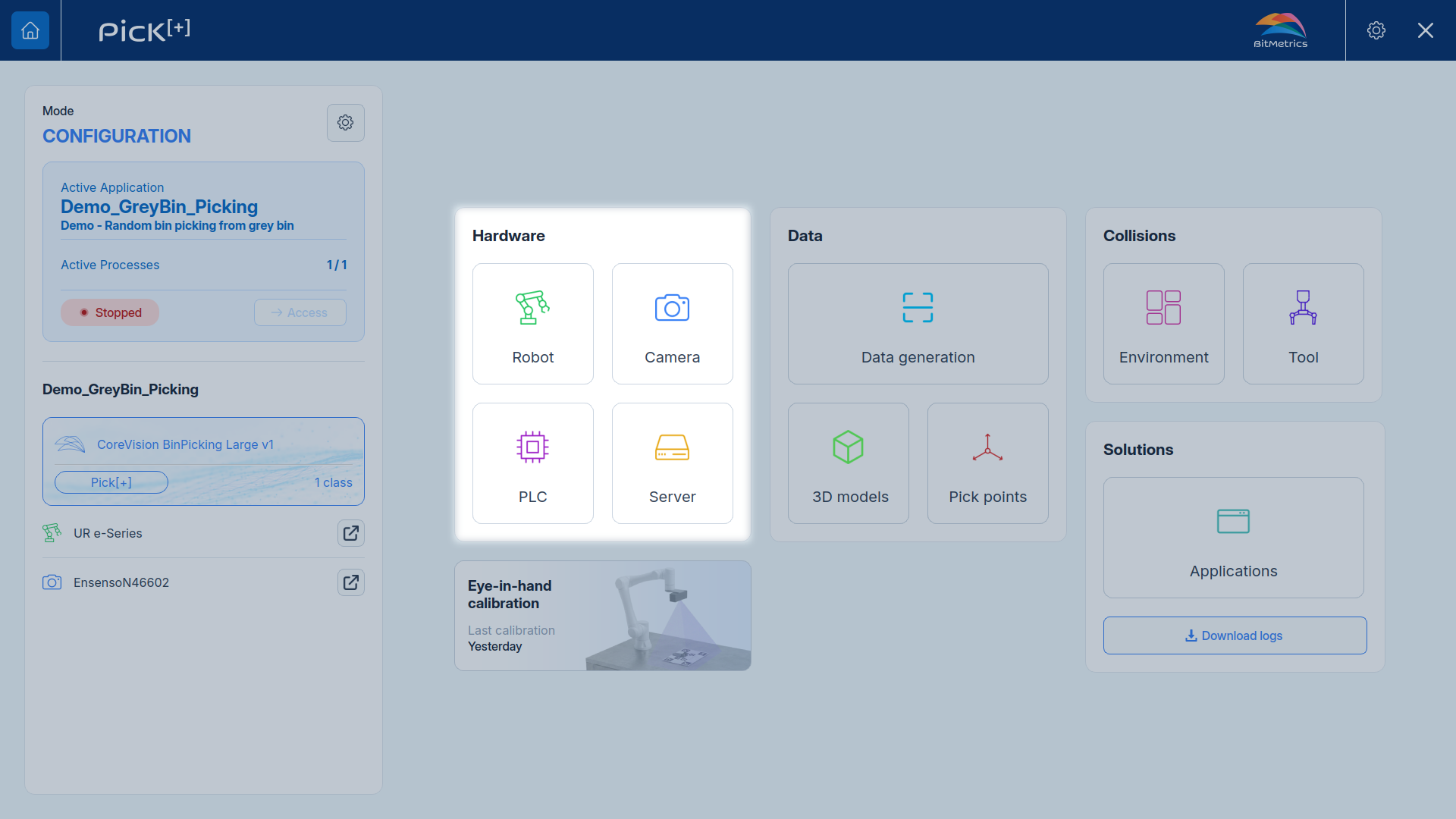
Robot profile
Select the active robot profile and introduce its IP address and the Server IP address.
Enable Workspace to configure the robot's reach limits: Minimum reach and Maximum reach, both in meters. These define the minimum and maximum distance from the robot base within which it's allowed to pick, so the robot never reaches too close to itself or beyond the defined workspace.
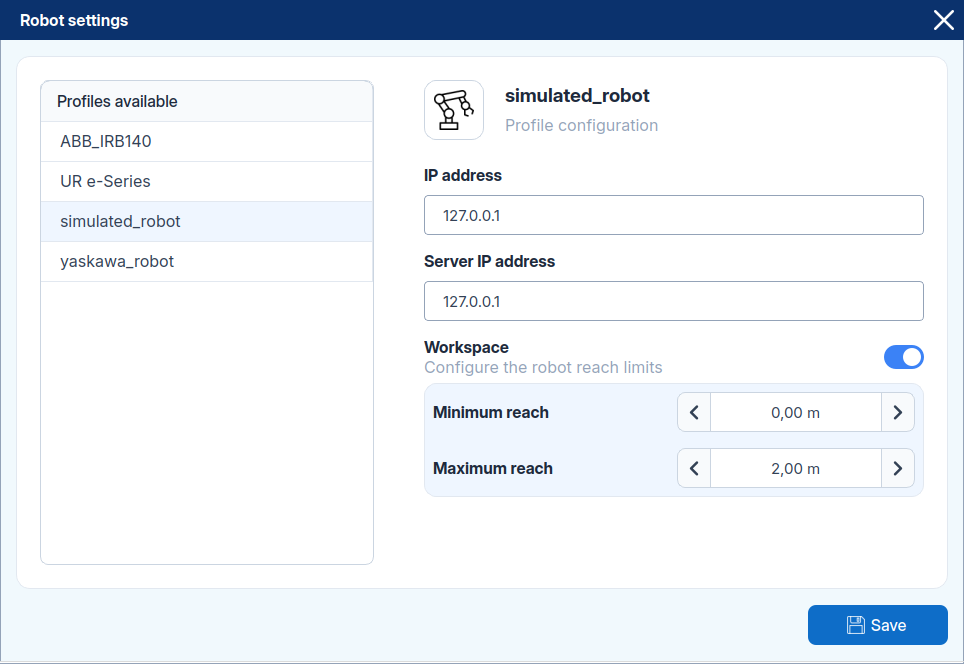
Camera profile
Select the active camera profile and introduce its IP.
To learn how to create and adjust camera profiles for different lighting conditions and capture quality, see Camera Profiles.
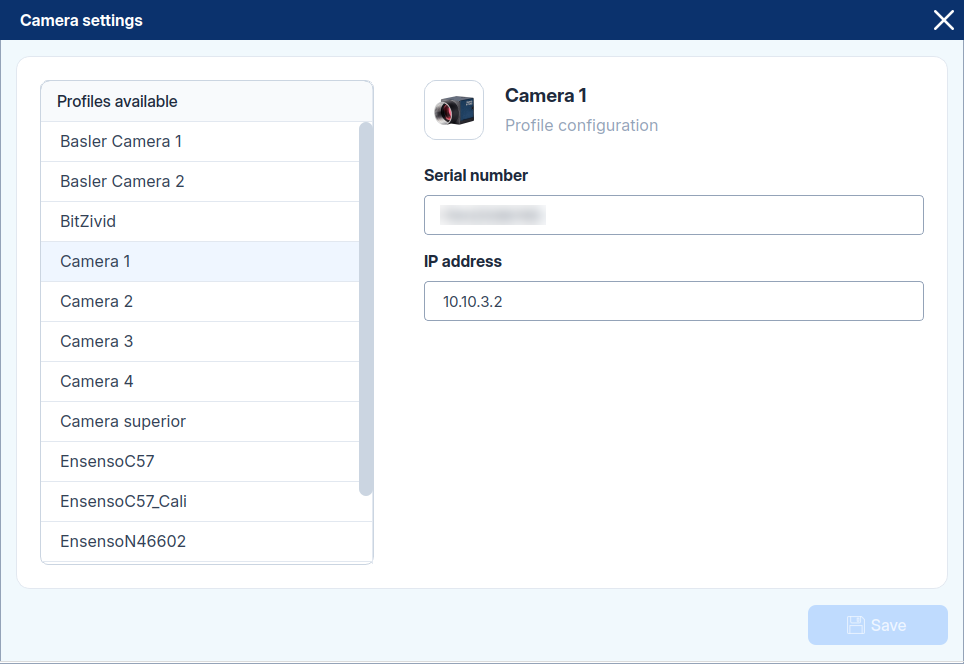
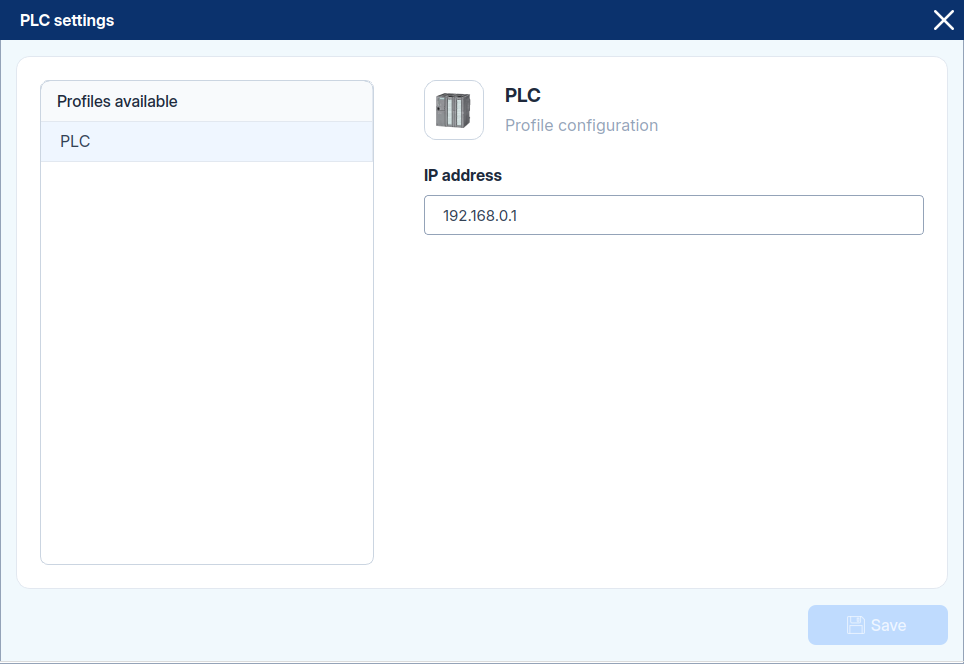
PLC profile
Select the active PLC profile and introduce its IP.
To learn how to configure PLC communication and integration, see PLC Communication.
Server profile
Select the active server profile and introduce its IP.