"No model linked to sample"
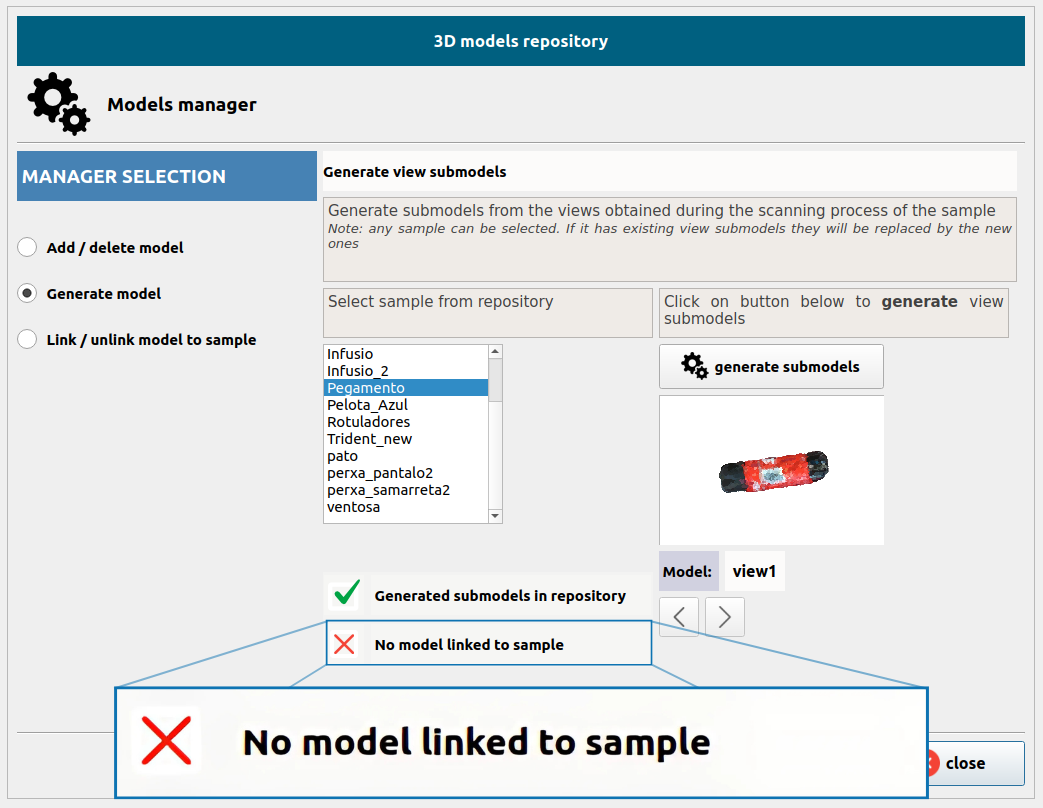
This message appears when a sample in the 3D Models Repository does not have a CAD file attached. It is only an informational warning, Pick[+] can use a generated 3D model produced from your scan.
You have two options:
- Scan and generate a model: The system will create a 2.5D/3D model (including texture) from your scans and automatically link it to the sample after generation.
- Attach a CAD model: Upload a CAD/mesh (.STL/.OBJ) to use a more accurate geometry.
If the generated model looks correct in the preview, you can safely ignore the warning. If it looks incomplete or distorted, either re-scan the object or attach a CAD file.