Robot disconnected
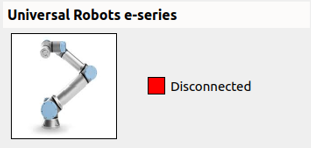
- Connect the Ethernet cable from the robot to the “Robot” port on the server. This port has the IP address 200.200.2.1.
-
On your UR Teach Pendant, go to Configuration > System > Network and configure the network connection as follows:
- IP: 200.200.2.2
- Network Mask: 255.255.255.0
- Gateway: 200.200.2.1 (The Pick[+] server listens to the robot at this IP address.)
-
Verify that the Ethernet connection is configured correctly in the UR controller. Go to Configuration → Security → Services and ensure that all options are enabled.
- Go to Settings > System > Remote Control and ensure that Remote Control mode is enabled.