URCAP Installation
WARNING
The URcap has been tested for Polyscope software versions ranging from 5.8 to 5.23.
Download the URCap file (.urcap extension) from the BitMetrics repository using your product ID and transfer it to a USB drive.
Installation Steps
-
Insert the USB drive containing the URCap file into the UR PolyScope teach pendant.
-
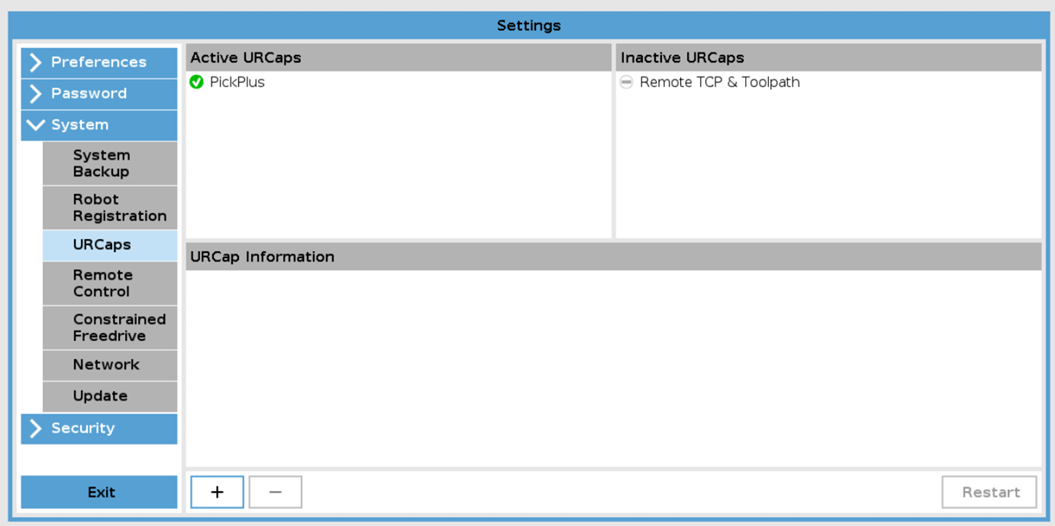
Access URCaps Settings: Navigate to the following path within UR PolyScope:
- Settings → System → URCaps
-
Click the
+button to open the file selection window. Locate and select the desired URCap file from the USB drive. -
Restart PolyScope to finalize the installation process.