Camera Mounting
The camera can be mounted in two configurations:
- Eye-in-hand: (mounted on the robot's end-effector).
- Hand-eye: (mounted externally in a fixed position).
This guide provides step-by-step instructions to securely install the camera for the Pick[+] RealSense.
Camera in Robot (Eye-in-Hand)
-
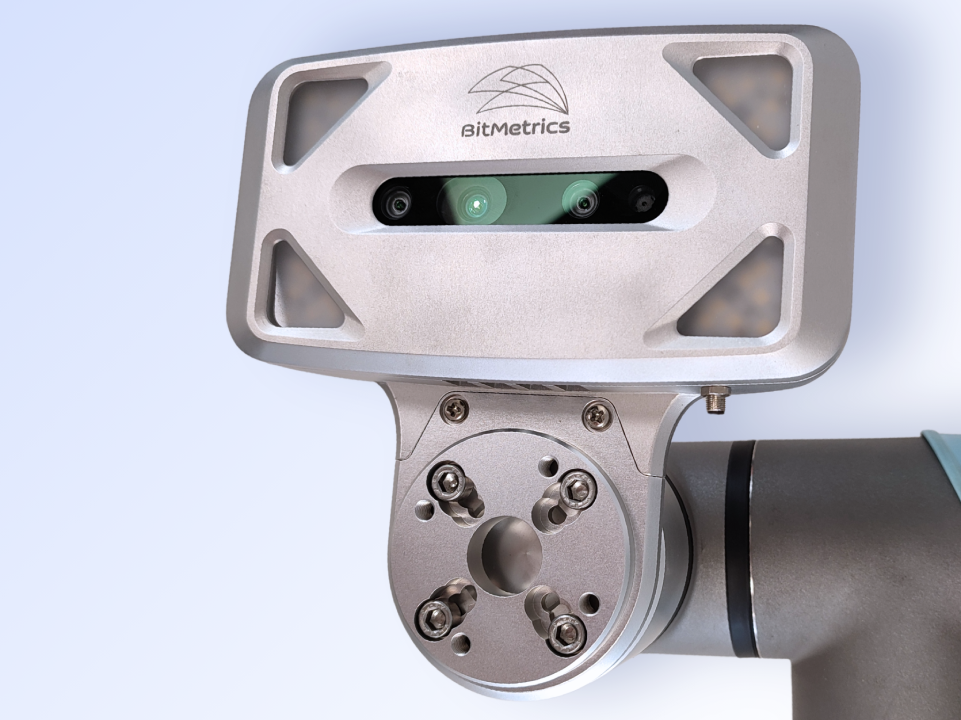
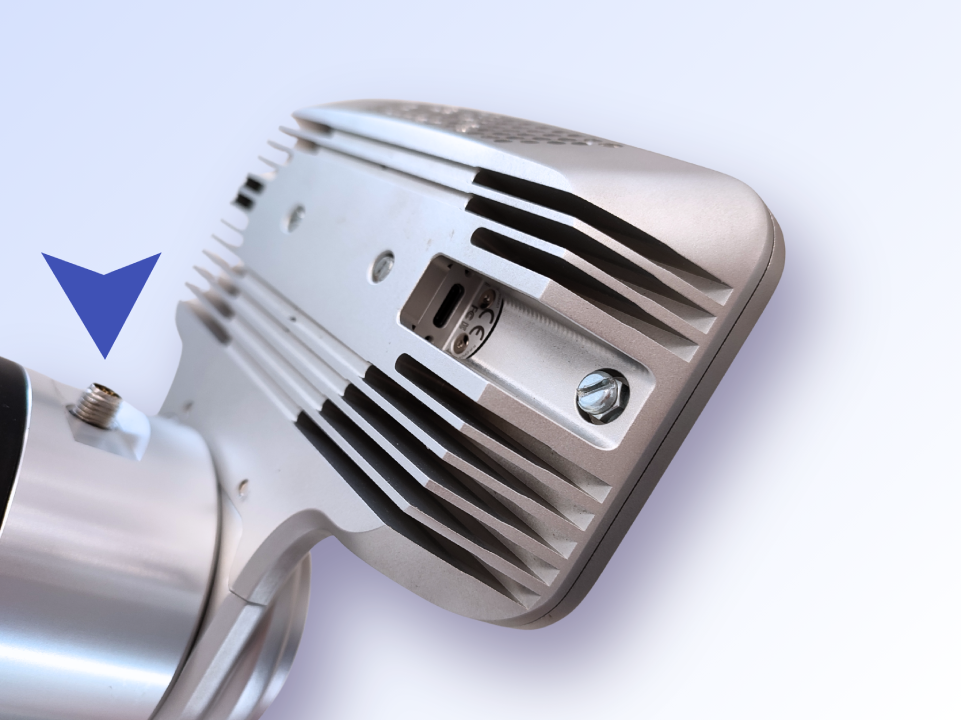
Mount the camera case with the robot adapter using the provided mounting screws (see images below).
WARNING
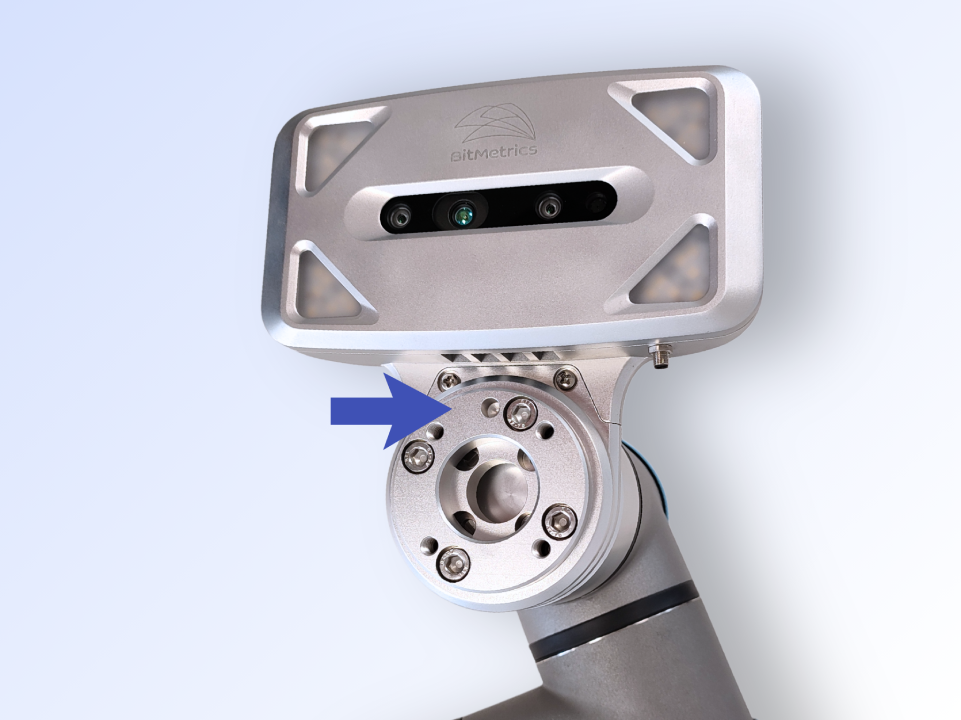
It is advisable to mount the camera case facing the UR tool connector above the tool flange (see figure on the right).
-
Mount the tool adapter on top of the robot adapter with the provided mounting screws.
WARNING
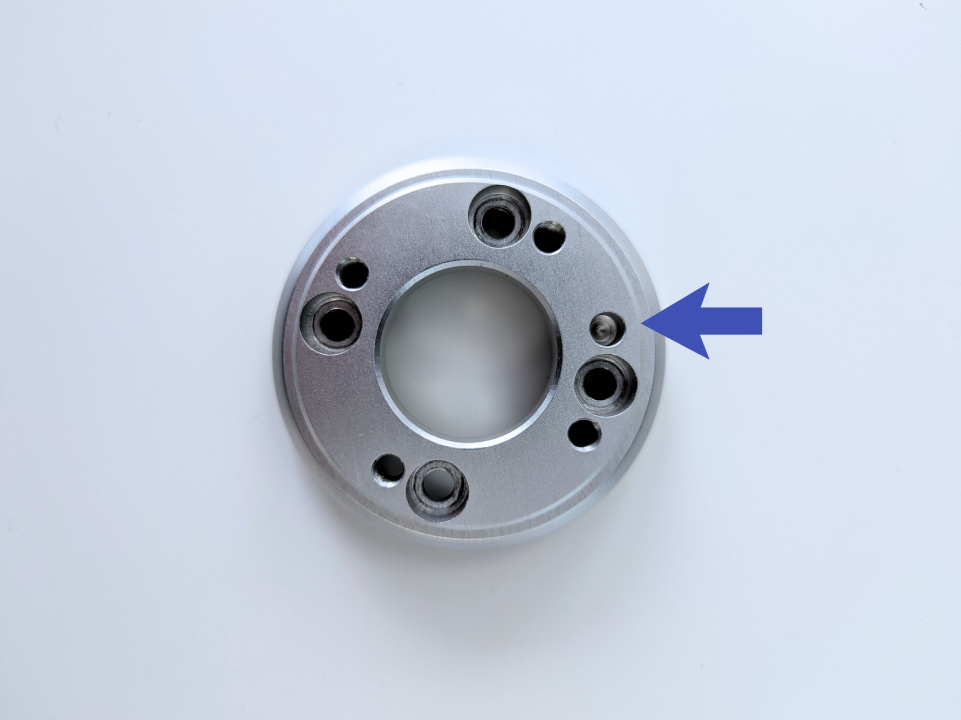
Make sure the centering slot in the tool adapter matches that of the robot—i.e., aligned with the UR tool connector (see figure below).
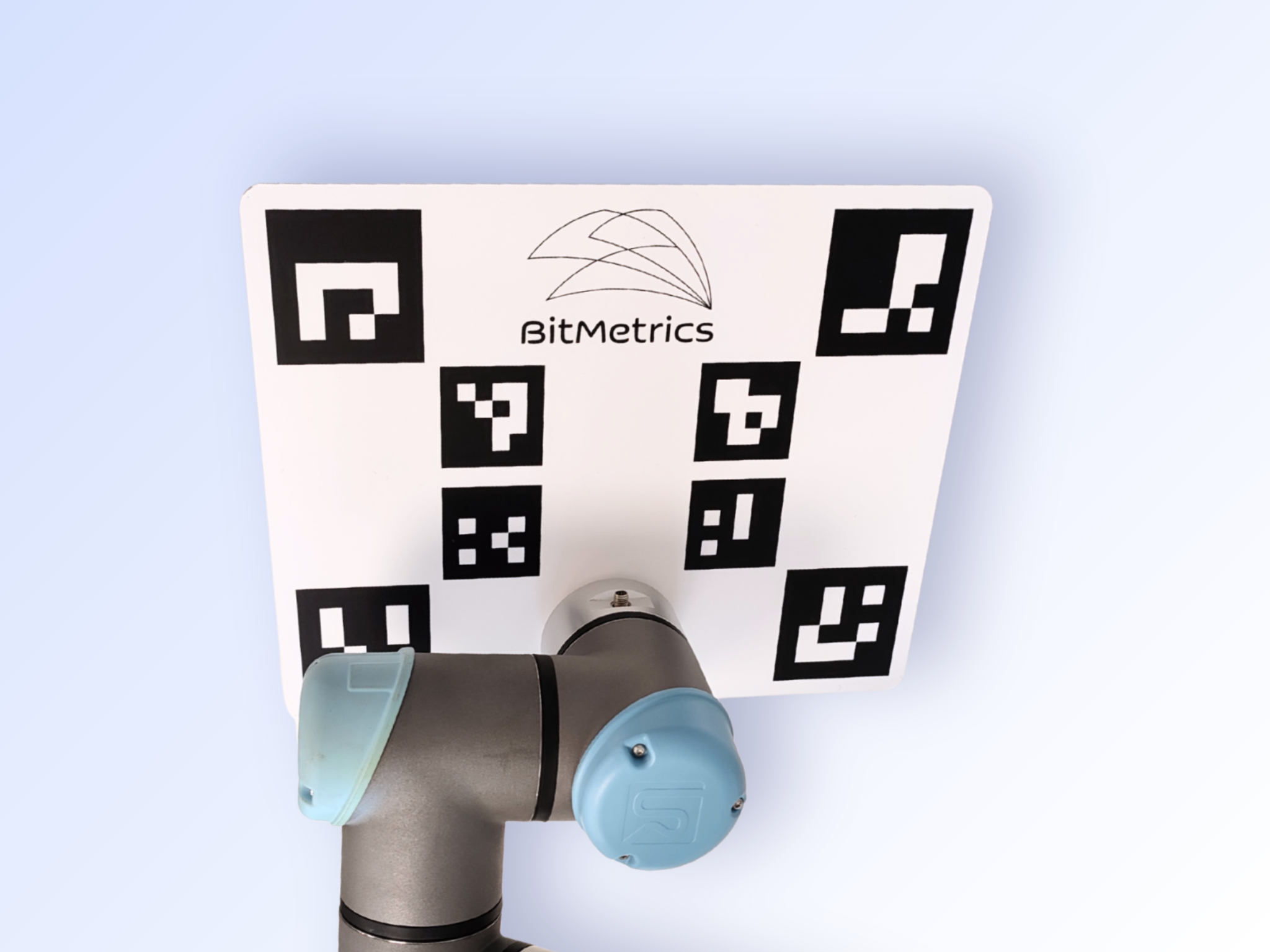
Calibration Plate Mounting (hand-eye)
An external camera, positioned away from the robot, is used for calibration.
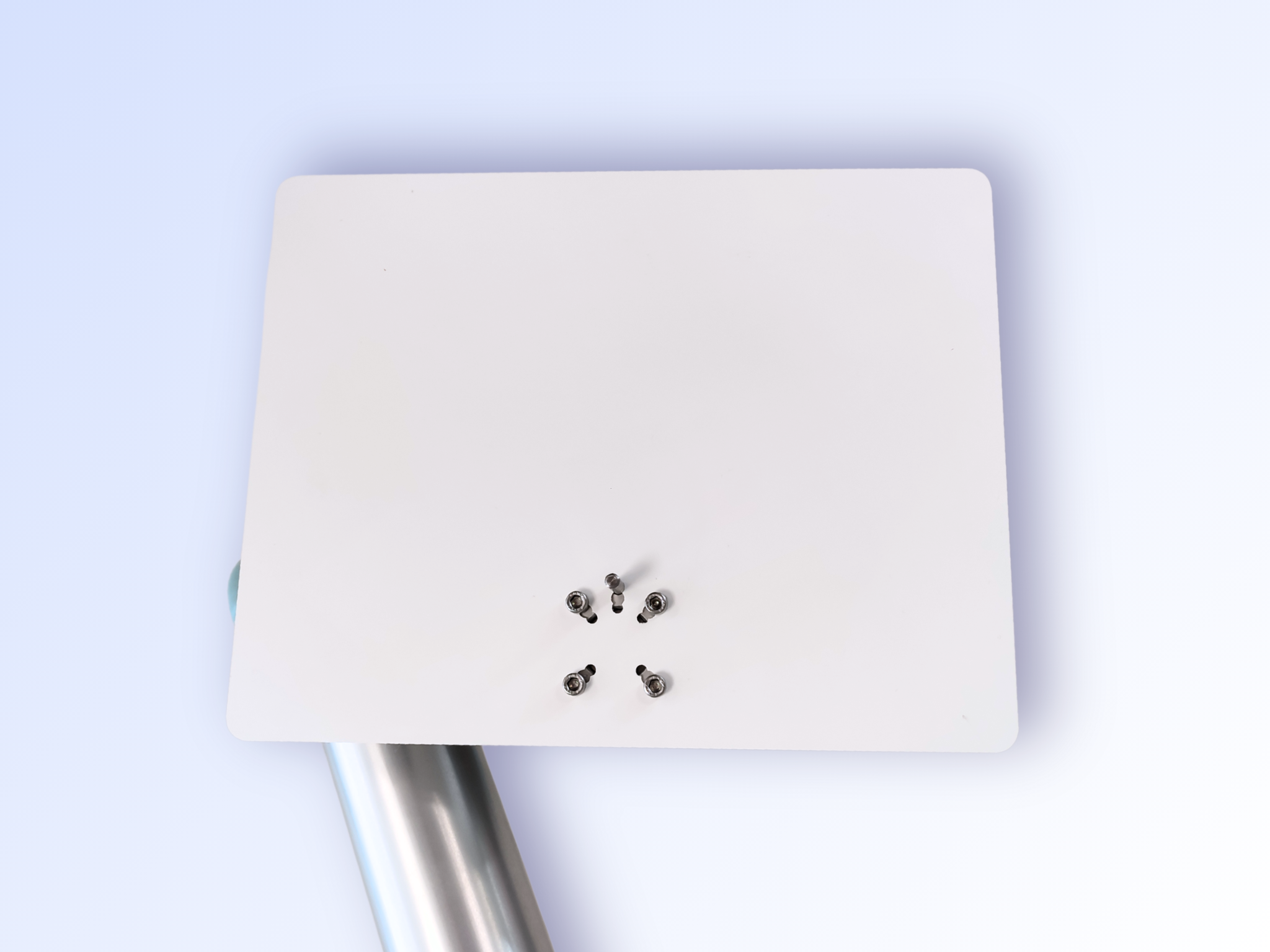
In this setup, the camera and robot must be aligned by attaching the calibration plate to the robot's tool flange.
- Secure the calibration plate to the robot's tool flange using the centering pin and the provided mounting screws. (see images below).