U-Pick Model
U-Pick is Pick[+]'s zero-configuration solution for unseen items. A pre-trained segmentation model and intelligent point-cloud analysis, U‑Pick lets you get up and running without any sample scans or model training.
Why U-Pick?
- Fast deployment: No need to scan objects or train a custom model.
- Broad applicability: Works on diverse shapes and textures out of the box.
- Ease of use: Simply define your pick environment and run the application.
U-Pick is suitable in contexts where:
- In pick: objects / items to be picked are not known or, if they are, there is a large number of them, making the scan process time consuming and the training process very hard (in the case that we are dealing with many references). Robot pick pose is estimated based on the point-cloud surface of the object.
- In place: place is not oriented (i.e., undefined). Place position and orientation of the object is only approximate. Unlike K-Pick, the U-Pick approach builds on a pre-trained model.
To execute the U-Pick model click U-PICK and then click Execute U-Pick
By doing so a check on the consistency of the application environment is carried out (see K-Pick application).
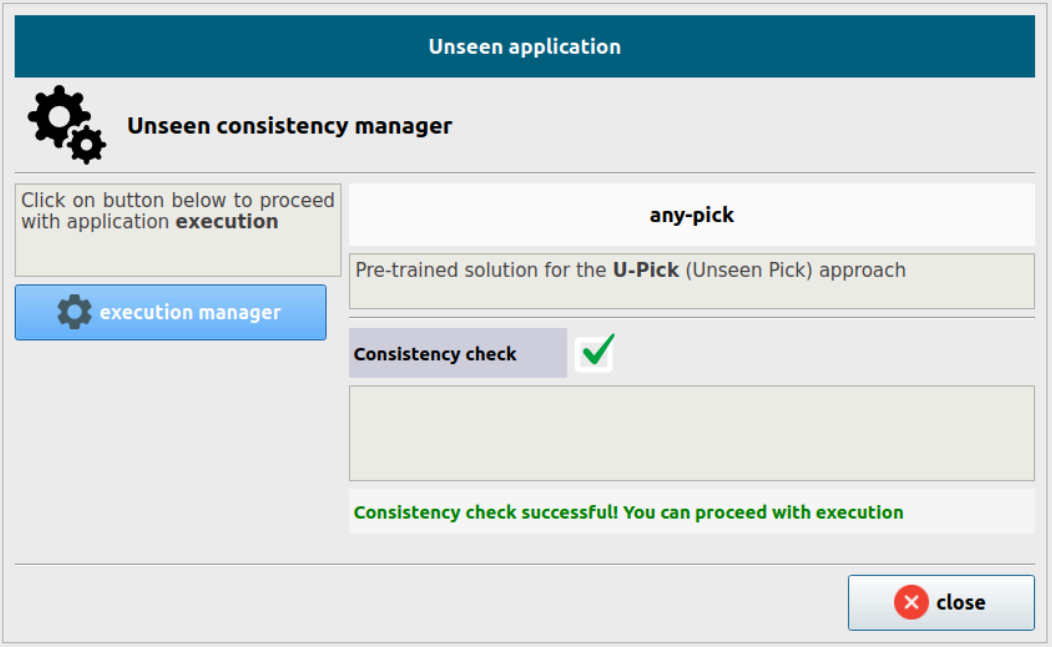
If the consistency check is passed we can proceed and click on Execution Manager
to access the execution visualization window (see K-Pick application for more details). As with K-Pick, the client application can be closed during execution (see K-Pick application).
Execution Interface
When executing the U-Pick application, the following interface appears:
There are 3 main sections:
- Hardware Status
- Statistics
- Camera view