Welcome to BitMetrics Academy
Everything you need to install, configure and start Pick[+] in minutes.
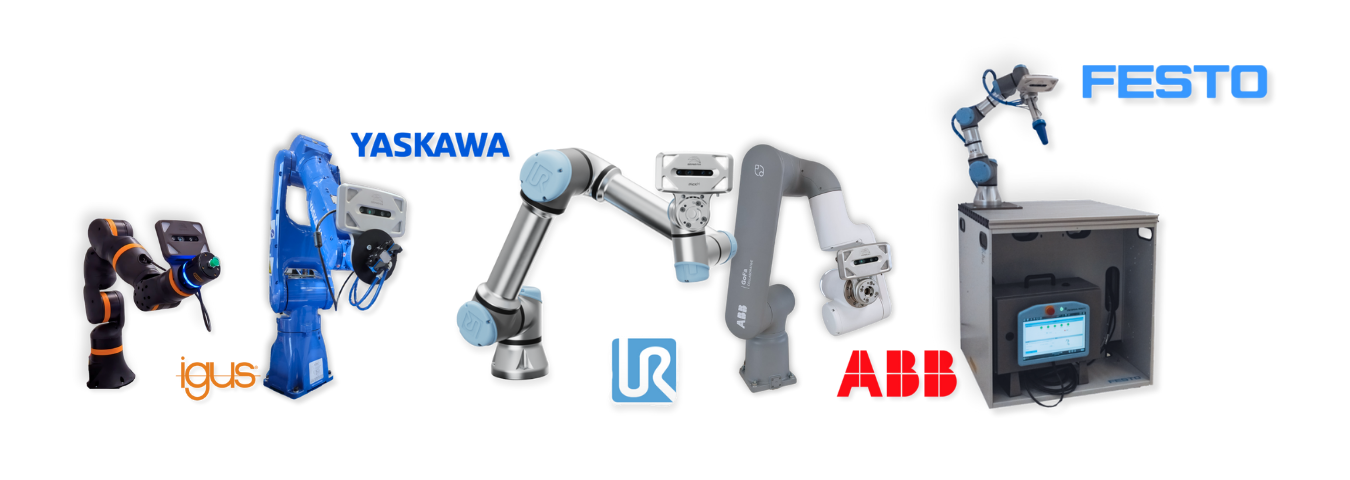
Robot Compatible Brands
Out-of-the-box support for leading robot brands, with new integrations coming soon.
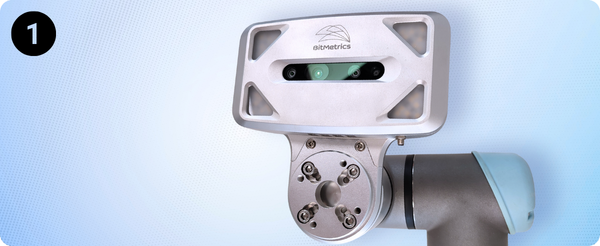
Pick[+] Server and Client Setup
Pick[+] Server comes pre-installed on the included PC, so no additional installation is required.
If you'd rather run the Client on a separate PC, ensure your machine meets these minimum requirements:
Client PC
- Operating System: Ubuntu 20.04 / Windows 10 / Windows 11
- Minimum screen resolution: 1920x1080
WARNING
Besides the screen resolution, it is important to set the display scale to 100%.
By default, Windows sets the scale to 125%. It should be changed to 100% for proper visualization of the client.
Download Link
Download the Pick[+] Server, Client or URCap to your PC from the BitMetrics repository using your product ID.
Installation Roadmap
-
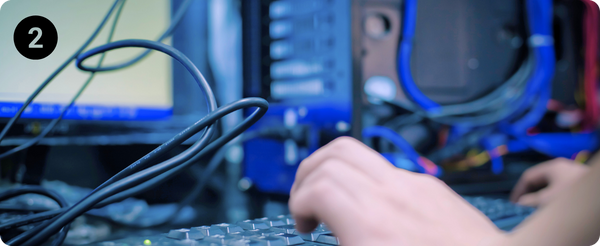
Hardware Assembly
Unbox and connect your Pick[+] camera, cables and Server PC
-
Software Installation
Optionally install the Client on your PC. Or upgrade to the latest versions
-
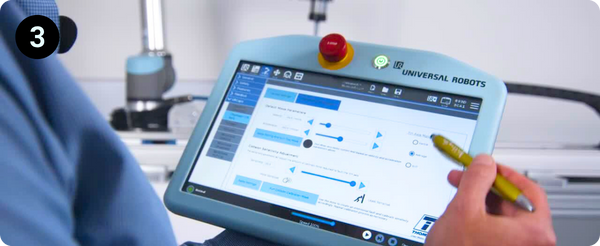
Robot Integration
Upload module to your robot and confirm it appears in Pick[+].
-
![Launch Pick[+]](/1.x/assets/1.x\installation_assets\inst_4.png)
Launch Pick[+]
Execute Pick[+] for the first time
Video Center
Want a quick visual walkthrough? Check out our tutorials: